Phone: +1 609 439 4775

7 Essential CRM Features Every Small Service Business Needs to Grow

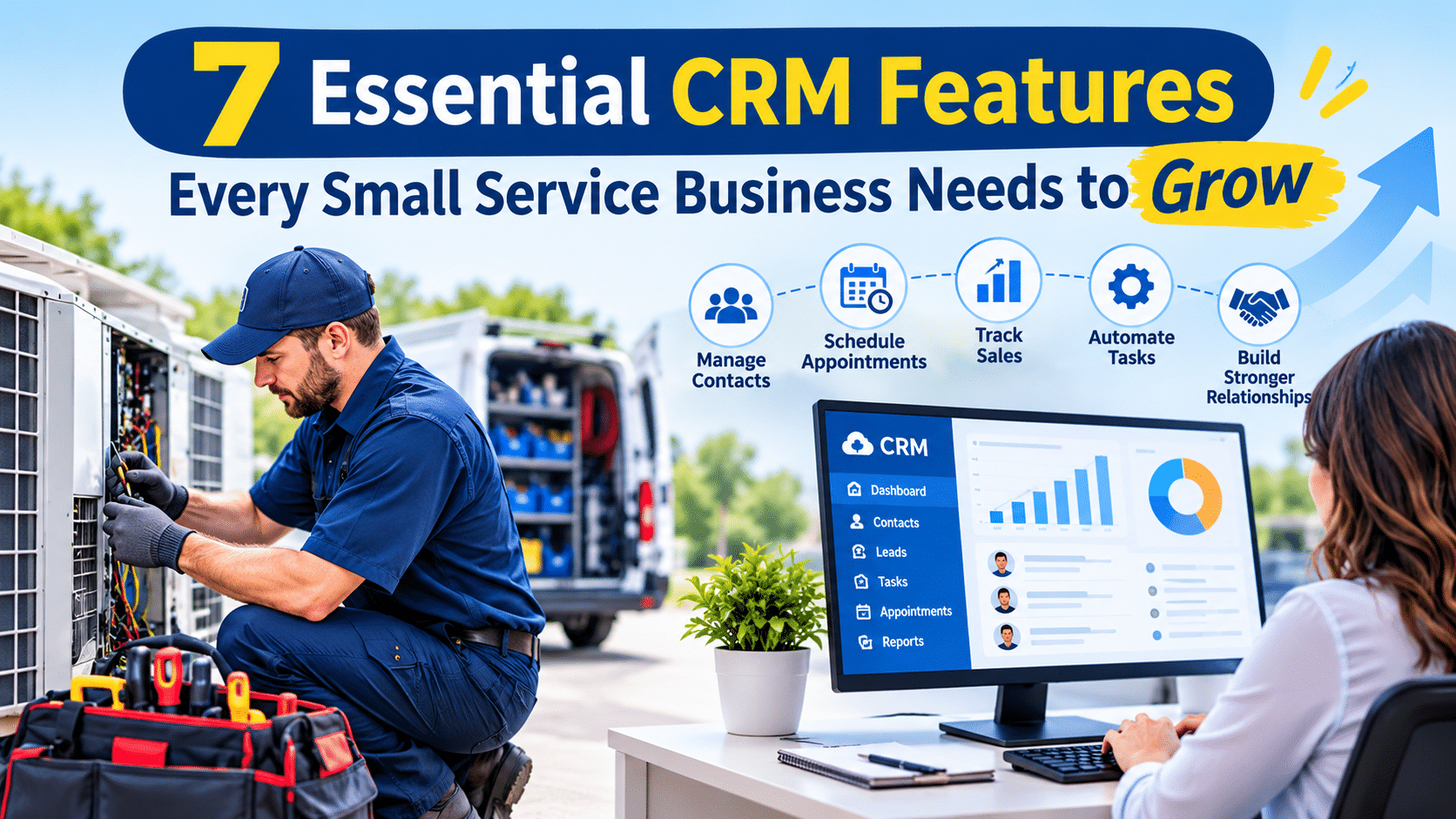
Small service businesses often manage customer information in several places at once. Contact details may sit in an email inbox, job notes may be kept on paper, and key history may depend on one person’s memory. This approach can work when a company is small, but it becomes harder to sustain as the business adds technicians, customers, and service locations.
The effects are easy to recognize. Quotes go unanswered, follow-up calls are missed, and technicians arrive at a job without knowing what was done on the last visit. Each gap is small; together they can affect customer satisfaction and revenue.
A customer relationship management (CRM) system addresses these problems by keeping customers, leads, and conversations in one place, so every team member works from the same information. The practical question is what features deserve the most attention.
This post covers seven features to look for in a small business CRM, with examples of how Field Force Tracker handles each one.
What Does A CRM Do For A Small Service Business?
A CRM stores customer details, tracks sales leads, and records every contact with a customer. For a service company, it also helps if the CRM connects to daily work like scheduling, quotes, and invoices. Field Force Tracker offers both a Sales CRM and a Service CRM, so you can follow sales and service opportunities in the same system.
1. A Complete Customer Record
A good CRM holds far more than a name and phone number. In Field Force Tracker, one customer record can include:
- Multiple contacts and service locations
- Communication preferences and billing terms
- Referral sources
- Private and public notes, documents, and images
Each location can have unlimited contacts. Records can be updated from the office or from the mobile app. Customer balances show up automatically, so your team can check payment status before booking another job. Customers with service agreements are easy to spot, which helps you give them priority.
2. Lead and Pipeline Tracking
Winning work starts with knowing where every lead stands. The Sales CRM in Field Force Tracker is an optional module designed for service businesses. It lets you:
- See deals won, lost, and still in progress
- Find out which sales reps are your best performers
- Record follow-up notes, along with the strength of the competition
- Get notified when a prospect opens an email, clicks a link, or opens an attachment
- Set appointments and customer visits with one click
Lead contact details, email opens, and clicks are logged automatically, which cuts down on manual data entry.
3. Quotes and Proposals Tied to the Job
A slow quote often means a lost job. Look for tools that make quotes fast and keep the details moving once a customer says yes.
Field Force Tracker’s electrical contractor software lets you build estimates with pre-populated products and electrical service line items. That includes large system install quotes with all the options a customer needs.
The proposal tool also supports:
- Standardized terms and conditions
- A customizable scope of work
- Good, Better, Best options so customers can compare prices
- Automated online customer approval
Once a proposal is approved, you can send it straight into Field Force Tracker. Customer, equipment, and contract details transfer automatically, so nobody has to type them twice.
4. Scheduling That Uses Customer History
Scheduling and CRM work best together. When a dispatcher books a job, they should see who the customer is and what has happened before.
The Field Force Tracker dispatch board runs on drag and drop. You get four calendar views: month and week, grid, map, and list. Jobs can be assigned using technician skill levels, and you can send more than one person to the same job. For electrical crews, the software sends automated assignment notifications. Office staff can also see job history and client history right from the scheduling screen.
5. Automatic Notifications and Follow-Ups
Customers like to know what is happening. Your staff would rather not call every person by hand. Field Force Tracker lets you choose which notifications go out automatically. They can be triggered when a work order is created, when its status changes, or when a job is closed. Messages go out by email, SMS, or both.
The system also keeps a log of customer interactions, with reminders and notifications to support follow-up.
6. Service Agreements and Recurring Work
Steady, repeat income helps a small business plan ahead. A CRM should store contracts and warranties against the right customer. That way your team can check what a customer is covered for before any work begins.
Field Force Tracker supports:
- Multiple types of service agreements
- Automated recurring billing for maintenance contracts
- Recurring jobs, where you set the series up once, the calendar fills in, reminders go to staff and customers, and an invoice is sent when each job is finished
Electrical contractors also get a generator module. It works out the date of the next preventive maintenance visit from the initial setup and the manufacturer’s recommendations.
7. A Customer Portal
Many calls to the office are the same few questions. A customer portal answers them. In Field Force Tracker, customers log in to see their service record and history. They can also:
- Create service tickets
- Look at past work orders and invoices
- Pay by credit, debit, or check through the portal
The company says the portal helps cut down on back-and-forth emails and phone calls.
FAQs (Frequently Asked Questions)
1. Is Field Force Tracker suitable for electrical contractors?
Yes, the company offers electrical contractor software that covers dispatch, quotes and proposals, inventory, contracts, projects, and generator service management. An office manager at Midwest Electrical Solutions LLC, a contractor in business for over 30 years, says the software helped the company grow 75% year over year.
2. Does it connect to accounting software?
Field Force Tracker works with QuickBooks Desktop and QuickBooks Online.
3. Is there a mobile app?
Yes, the apps are available for iOS and Android and sync automatically with the web app.
4. Can I try it first?
After you sign up, you can use all features for 14 days.
Summary
A small business CRM is most useful when it connects to the rest of the job. A complete customer record gives your team the full picture before they pick up the phone or visit a site. Lead and pipeline tracking shows where each sale stands, and quotes and proposals that flow into the work remove the need to enter the same details twice.
Scheduling that shows customer and job history helps dispatchers choose the right technician with confidence. Automatic notifications and follow-ups keep customers informed without extra effort from your staff. Service agreements and recurring jobs support steady income, and a customer portal gives clients a simple way to check their records, submit requests, and pay.
Field Force Tracker brings these features together in one system for residential and commercial service businesses. Electrical contractors can also use its electrical contractor software for dispatch, quotes, inventory, contractors, and generator service management.
To see how it fits your team, request a free trial or demo through the Field Force Tracker website.
Read More:- Benefits of Implementing CRM Software in Your Small Business