Phone: +1 609 439 4775

Alarm Monitoring Software for Multiple Locations: How to Manage Commercial Security Accounts

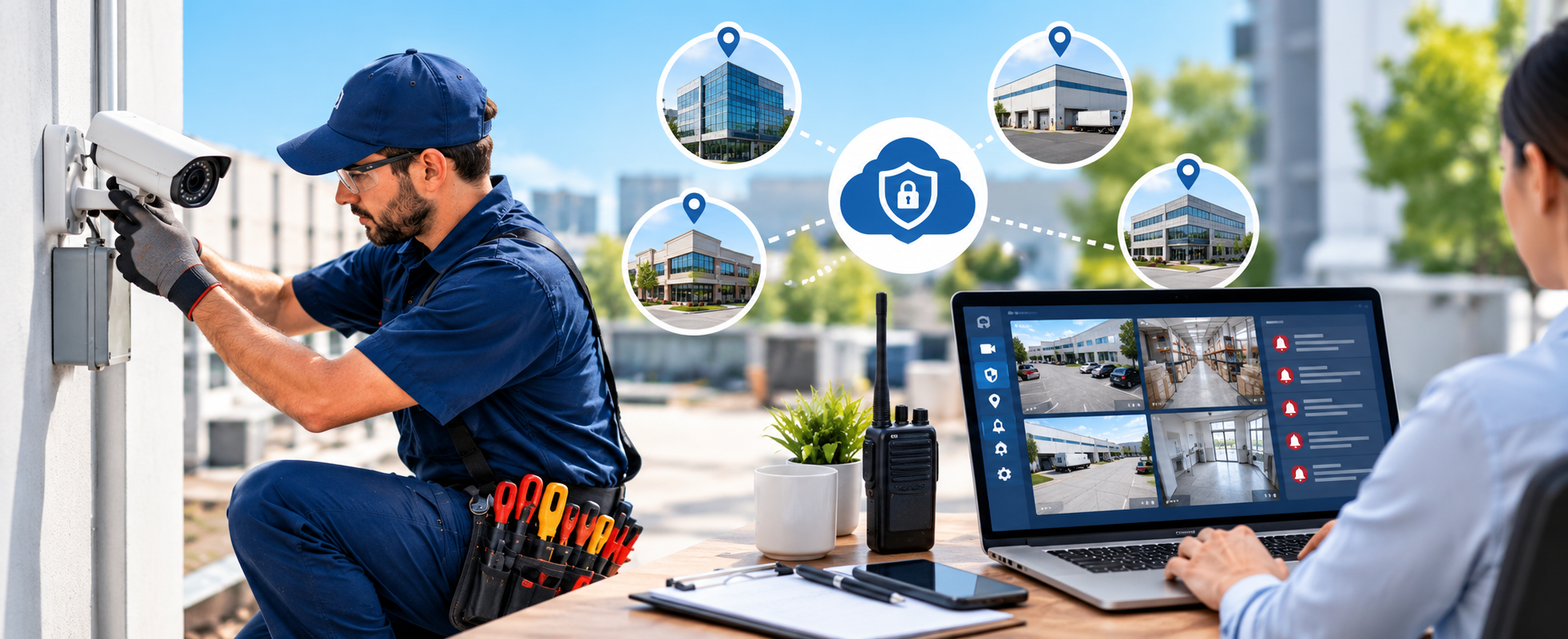
Commercial security accounts tend to grow over time. A business that starts with one protected building often adds more sites as it expands. Each new location brings its own equipment, contract terms, and inspection schedule. For the company providing monitoring and service, that growth means more records to maintain and more deadlines to meet.
Managing this with spreadsheets and separate tools becomes harder with every site. A missed renewal, an incorrect invoice, or an overdue inspection can affect a customer’s trust. Alarm monitoring software for multiple locations helps security companies keep their accounts organized, accurate, and on schedule.
This guide explains what to look for and how to manage commercial security accounts with confidence.
Why Is Managing Multi-Site Security Accounts So Difficult?
The core issue is scale. One customer may have several sites, but the work still needs to be tracked site by site. Billing, service history, and compliance records have to stay accurate for each one.
Common pain points include:
- Monitoring contracts that differ from site to site.
- Recurring invoices that take hours to prepare by hand.
- Inspection dates that are easy to miss.
- Parts and equipment spread across a warehouse and several trucks.
- Technicians who lack job history when they arrive on site.
When these pieces live in different places, errors follow. Customers notice them first.
What Should Alarm Monitoring Software for Multiple Locations Include?
Look for a system that connects the office and the field. At minimum, it should cover these areas:
- Contract monitoring: Draft and monitor contracts for multi-location commercial projects, including the date for renewals.
- Billing: Generate monthly monitoring bills without entering new data.
- Inspections: Schedule inspection requests and keep all the forms in one place.
- Inventory tracking: Always know the whereabouts of all equipment and components.
- Dispatching and Scheduling: Assign technicians to jobs based on need.
- Mobile access: Give technicians the details they need at the job site.
- Accounting links: Move invoice data into your accounting software.
A system that covers these areas lets the office team spend less time chasing details.
How Does Field Force Tracker Handle Multi-Site Monitoring Billing?
Billing is often the biggest time drain for monitoring companies. Field Force Tracker supports billing and monitoring contracts for multi-site commercial work. Teams can set up automated monthly invoices for fire alarm or security monitoring, with auto-charging and other payment options.
You can also add services, parts, and multi-site monitoring discounts to an invoice. That means a customer with several locations gets one clear, accurate bill. The software is built to remove double data entry and cut down on errors.
For larger operations, the platform can generate thousands of invoices in a day. It connects with QuickBooks, Freshbooks, and Sage. It works with both QuickBooks Desktop and QuickBooks Online, so you do not have to change how you already use QuickBooks.
For central station links, the platform can work with any central station through an AI-based integration.
How Are Service Contracts Tracked?
Service contracts are a core part of an alarm and security business. Field Force Tracker lets you create several types of service agreements. Dispatchers and technicians can check what a customer is covered for before work begins. This helps avoid giving away parts or labor that the contract does not include.
Renewals and automated recurring billing are easy to reach. The system also reminds you when a contract renewal is due.
Can Software Help With Inspections and Compliance?
Yes, inspections are routine for fire alarm and security companies, and missing one can create real problems for a customer. Field Force Tracker includes built-in inspection reminders so scheduled visits are not forgotten.
The platform also supports NFPA 72 compliant inspection forms. Technicians record inspection data on a tablet or laptop through the mobile app. That data goes straight into the central database. Your team can plan:
- Annual inspections
- Quarterly inspections
- Inspection and testing for residential and commercial sites
You can also use existing custom forms or work with the Field Force Tracker team to set up your own.
How Do Dispatchers and Technicians Stay in Sync?
Multi-site accounts mean more trips and more moving parts. Dispatch tools need to show who is free, where they are, and what skills they have.
Field Force Tracker supports scheduling based on availability, location, skills, and job needs. Useful dispatch features include:
- Multiple dispatch boards
- Daily, weekly, and monthly board views
- Color coding for priority jobs
- Route optimization and map support
- Crew dispatching, so several people can be assigned to one job
- Technician skill levels to guide assignments
Technicians use the mobile app on iOS or Android. It syncs automatically with the web app, so the field and the office see the same information. Technicians can view job details, client notes, customer history, photos, and work orders. They can also upload and annotate photos from their phones.
What About Equipment and Parts?
Inventory will play a critical role for companies that have a high volume of installations. Field Force Tracker monitors both serialized and non-serialized parts either at the warehouse or even on trucks. In addition, it assists in inventory monitoring and ensuring all utilized parts are properly billed.
When dealing with big installation volumes, project management capabilities are used to monitor materials, labor, timing, and costs. There is an inherent progressive invoicing function.
How Does Field Force Tracker Help Businesses That Run More Than One Office?
Some security companies operate from several branches. Field Force Tracker supports multiple branch management under one account. Each branch can work on its own, while owners and managers can still see the full picture whenever they need it.
The platform also supports multiple currencies, languages, and time zones, which helps businesses that work across regions.
Reporting helps here too. The software offers hundreds of reports with filters. These cover financial data, job profits, technician profits, and other key performance indicators.
A customer portal adds another layer. Customers can log in to check past jobs, view invoices, download paperwork, and pay outstanding amounts. That reduces the number of routine calls your front office handles.
What Does Getting Started Look Like?
Switching systems is a worry for many teams. Field Force Tracker offers personalized onboarding with trainers who guide your team. The company also helps convert old data and move it into your new account. Online support is unlimited for the life of the subscription.
Summary
Managing commercial security accounts across multiple locations takes structure. Contracts, billing, inspections, inventory, and dispatch all need to work together. The right alarm monitoring software keeps those parts connected and lowers the chance of missed renewals, billing errors, and overlooked inspections.
Field Force Tracker brings these tools into one platform. It supports multi-site monitoring contracts, automated recurring invoices, NFPA 72 compliant inspection forms, serialized inventory tracking, GPS-based dispatch, and mobile apps for technicians. It also handles multiple branches under one account.
If you manage monitoring accounts across several sites and want to see how this works in practice, request a demo or start the 14-day free trial on the Field Force Tracker website.
Read More:- Fire Alarm and Security Installers Software