Phone: +1 609 439 4775

How Alarm Billing Software Helps Security Companies Manage Recurring Revenue and Reduce Billing Errors

Quick answer: Alarm billing software ties monthly invoices to service contracts, charges customers automatically, and syncs with accounting tools. Security companies collect recurring revenue on time with fewer mistakes.
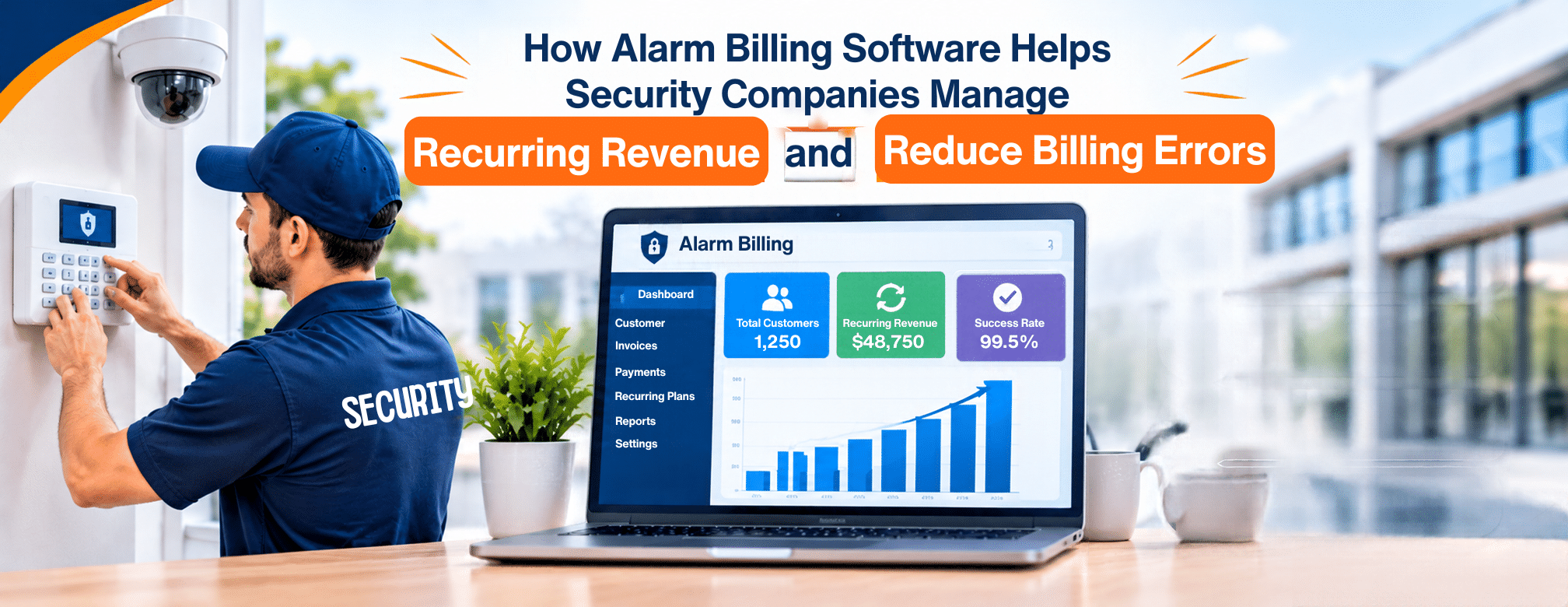
A security company does not get paid once and move on. Its income arrives in smaller pieces, month after month, from monitoring plans and service agreements. That steady flow keeps the business stable. It also means billing never really ends. Every month, someone has to build the invoices, collect payment, and follow up on what is late.
With a short customer list, a spreadsheet can cope. As the list grows, small gaps start to show. A rate changes and the invoice is not updated. A new site is alarm billing software added but never billed. A renewal date passes without a reminder. Each slip looks minor, yet it repeats every month until someone catches it.
That is why many security companies turn to dedicated billing tools. This post explains what does, where billing errors come from, and how the right system protects recurring revenue.
What Is Alarm Billing Software?
Alarm billing software creates and collects recurring invoices for monitoring and service contracts. The idea is simple. Billing is tied to the contract, so each invoice matches what the customer agreed to pay. Good systems also link to accounting tools and payment methods, so the same numbers are never typed twice.
Recurring revenue is predictable, and that is what makes it valuable. But it only stays predictable when invoices go out correctly, every time.
Where Do Billing Errors Come From?
Most billing mistakes trace back to a handful of habits:
- Entering the same details into more than one system
- Keeping contracts apart from the invoices they drive
- Using parts on a job without billing for them
- Missing renewal dates
- Preparing multi-site invoices by hand
Errors like these cost money quietly. Revenue goes uncollected, customers receive confusing bills, and the office spends its week on corrections.
How Field Force Tracker Handles Recurring Monitoring Invoices
Field Force Tracker includes alarm biller software built for fire alarm and security monitoring companies. It sends automated monthly invoices for monitoring services, with auto-charging and other payment options.
Teams can add services, parts, and multi-site monitoring discounts to an invoice. The system is designed to remove double data entry, wasted time, and errors from recurring billing. Volume is not a problem either. Larger operations can generate thousands of invoices in a day.
Can It Handle Customers With Several Locations?
Yes, Field Force Tracker supports billing and monitoring contracts for multi-site commercial work. A customer with several buildings can have the right discounts applied and still receive one clear, accurate bill.
Which Accounting Tools Does It Work With?
It integrates with QuickBooks, FreshBooks, Xero, and Sage. Both QuickBooks Desktop and QuickBooks Online are supported, so teams do not have to change how they already use QuickBooks. Invoices, payments, and financial data sync automatically. The platform also produces reconciliation reports, invoice aging reports, and other audit data.
Does It Connect to a Central Station?
The platform can work with any central station through an AI-based integration.
How Recurring Billing Works, Step by Step
Here is the basic flow for a monitoring account:
- Set up the contract: Choose the contract type, set recurring prices, and add the products it covers.
- Invoice on schedule: The system sends the monthly monitoring invoice with services, parts, and multi-site discounts included.
- Collect payment: Cards on file are charged automatically, or reminders go out for unpaid invoices.
- Sync the numbers: Invoices and payments move to your accounting software.
- Plan the renewal: A reminder arrives before the contract expires.
Keeping Contracts and Invoices in Step
Billing errors often begin with the contract. If the contract says one thing and the invoice says another, the customer notices first. Field Force Tracker keeps service contracts in the same system that produces the bills.
You can create several contract types, including:
- Service only, with parts not included
- Preventive maintenance only
- Comprehensive contracts that include both parts and service
Dispatchers and technicians can check what a customer is covered for before work begins. That helps avoid handing out parts or labor the contract does not include. Email reminders go out before a contract expires, and agreements can be set to renew automatically with recurring payments.
The system also lets you recognize revenue when the work is done, not when payment is taken. Contract profitability analysis gives a clearer view of how each agreement performs.
Are Parts Part of the Billing Picture?
They can be. Field Force Tracker tracks serialized and non-serialized parts, whether they sit in the warehouse or on a truck. It helps make sure every part used on a job is billed properly.
Getting Paid Without the Chasing
Field Force Tracker can charge cards on file automatically, which removes much of the follow-up. For invoices that stay unpaid, reminders run on flexible schedules, and you can exclude specific customers by category or name. Customers can pay by credit card, debit card, or ACH bank transfer.
Companies with thousands of business customers also get client balance statements. These can be processed in batches, with filters for due dates and balance amounts. Customers who prefer to help themselves can log in to the customer portal, view invoices, and pay outstanding amounts.
For one-off service work, an invoice can go out within seconds of finishing the job. That cuts days, sometimes weeks, from the time between service and payment.
What Reports Help With Recurring Revenue?
The platform offers hundreds of reports with filters. They cover financial data, job profits, and technician profits. Invoice aging and profitability analysis show what is still outstanding and what is earning well.
What Changes for the Office Team?
When billing runs from the contract, the office stops retyping details and fixing avoidable mistakes. Statements are clearer, payments arrive sooner, and there is less administrative work. Because Field Force Tracker is field service software, billing also sits beside scheduling, dispatch, and inventory. Staff do not have to move between separate tools to answer a customer’s question.
Getting Started With Field Force Tracker
Switching billing systems worries many teams. Field Force Tracker offers personalized onboarding with trainers and helps convert old data into your new account. Online support is unlimited for the life of your subscription.
Summary
Recurring revenue is the backbone of a security company, and billing is where it is won or lost. Alarm billing software ties invoices to contracts, automates monthly charges, and cuts the retyping that causes mistakes.
Field Force Tracker brings together automated invoice monitoring, multi-site contracts, accounting links, auto-charging, and reminders in one platform.
To see it in action, request a demo or start the 14-day free trial on the Field Force Tracker website.
Read More:- Alarm Monitoring Software for Multiple Locations: How to Manage Commercial Security Accounts