Phone: +1 609 439 4775

How to Choose the Best Field Service Software for Your Business in 2027

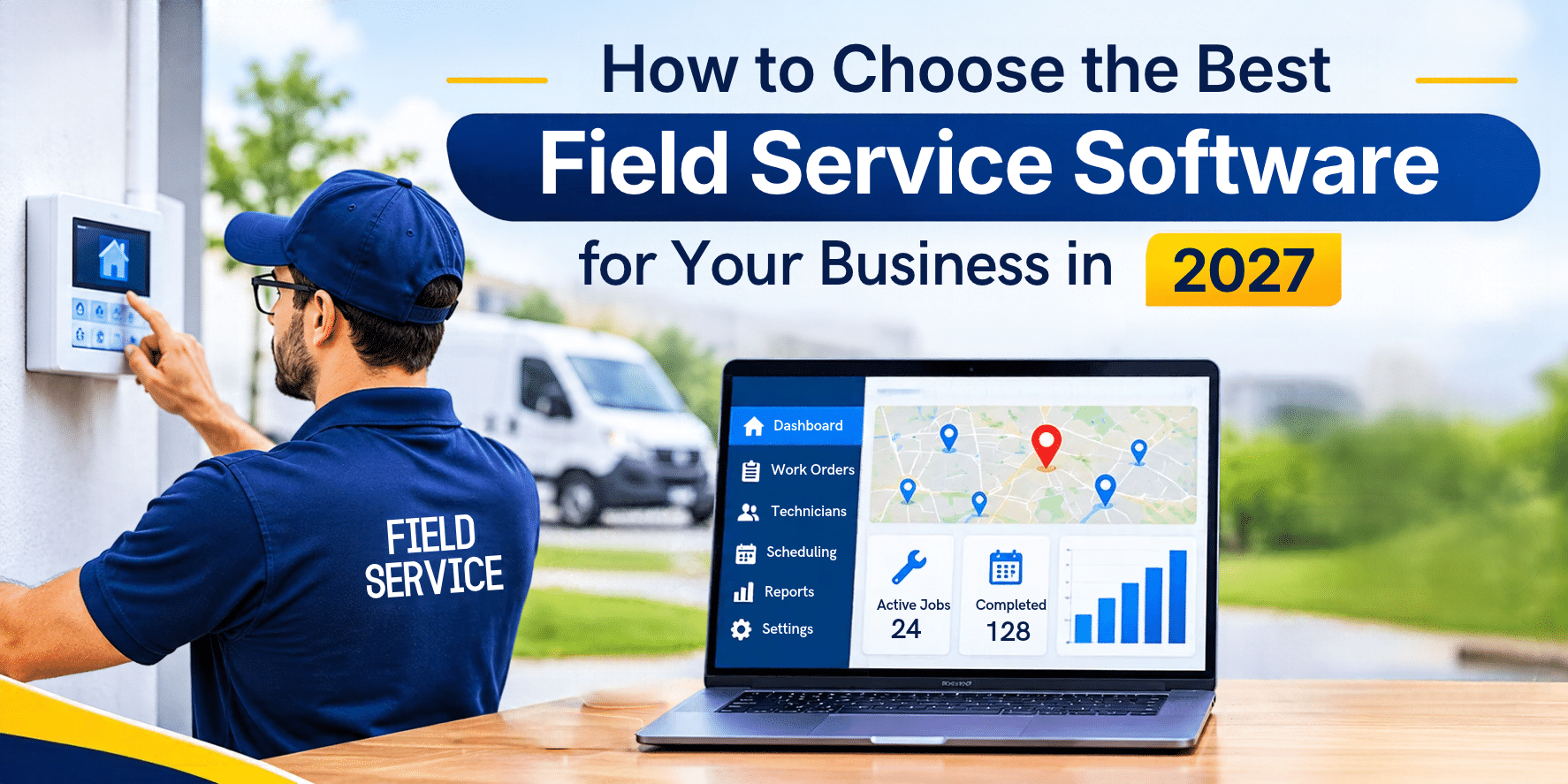
A service business has many tasks to manage at once. The office schedules appointments, technicians travel between job sites, and someone must keep track of parts, contracts, invoices, and payments.
When these tasks are handled in separate places, errors become more likely. Jobs get double-booked, technicians arrive without the right parts, and invoices go out late. Field service software helps teams manage this work in one system.
Each product is different though, and the right choice depends on how your business operates. If you are planning your tools and budget for 2027, a clear checklist can make the decision easier. This guide explains what to look for and what to ask before you buy.
What Is Field Service Software?
Field service software is a system that helps a service company manage work from the first customer call to the final payment. It usually covers customer records, scheduling, dispatching, technician tracking, inventory, quotes, invoices, and reports. Many products add contracts, timesheets, and a sales CRM.
Most system have two sides. The office works in the main platform. Technicians use a field service app on a phone or tablet. When one side updates a job, the other should see it quickly.
How Do You Choose the Right Field Service Software?
Start with how your team works today, then check how closely each product matches it.
1. Scheduling and Dispatch
You should be able to book jobs on a clear calendar, see which technicians are free, and send details straight to the right person. Moving a job should not take a string of phone calls.
2. The Mobile App
Your technicians will judge the software by its app. A good one lets them view job details, update work orders, capture signatures, add photos, and build quotes on site. Check that it runs on the phones your team already owns. Ask what happens when the signal drops.
3. Inventory, Contracts, and Billing
Look for parts tracking that shows what is in stock before a technician leaves. Look for a place to store service contracts and warranties against each customer. Then check how quotes, invoices, and payments work, and whether the system connects to your accounting tools.
4. Industry Fit
Trades differ. A security company sells monitoring plans. A copier business bills by meter reading. An elevator company follows strict maintenance routines. Ask whether the vendor offers modules for your trade.
5. Security and Support
Ask how your data is protected and backed up, what training comes with the subscription, and how the vendor will move your old records.
Questions to Ask Before You Buy
- Does the field service software cover scheduling, inventory, invoicing, and contracts together?
- Does the mobile app run on both iPhone and Android?
- Can technicians keep working when the signal is weak?
- Does it connect to the accounting tool we use now?
- Are there modules for our trade?
- How will our old data be moved, and how long will it take?
- How is pricing set for a team our size?
What Field Force Tracker Offers Service Teams
Field Force Tracker is field service software for residential and commercial service businesses. It has been in business for more than 15 years and is used in more than 30 countries. The platform includes:
- Customer records with job history and notes
- Scheduling and dispatch on a calendar
- Technician management by skill and branch, with several branches under one account
- Live technician tracking on a map
- Parts and inventory tracking, with barcode scanning
- Contracts and warranty records stored against each customer
- Quotes, invoices, and payment collection
- Custom checklists and job forms
- A customer portal for viewing past jobs and invoices and paying balances
- Project management, timesheets, a sales CRM, and dashboards
Industries and Add-On Modules
Supported trades include HVAC, plumbing, electrical, security and fire alarm, elevator and lift repair, copiers and office equipment, appliance repair, fitness equipment, medical equipment, telecom and IT, industrial machinery, and property and facility management.
Optional modules go further. Examples are copier meter billing, generator service scheduling, HVAC membership and agreement modules, and recurring charges for fire alarm and security work.
Mobile App Features
The field service app is on the Apple App Store and Google Play, for iPhones, Android phones, and tablets. Technicians can see work orders and repair history, add photos and signatures, record diagnostic notes, and fill in checklists.
They can also build quotes, create invoices, and take card, ACH, cash, check, or digital payments in the field.
Job and scheduling data can be viewed without Wi-Fi or cell reception. Notes and photos added offline wait until the phone reconnects. Inventory levels and live payments still need a network connection.
Accounting Integrations and API
Field Force Tracker has native integration with QuickBooks Online and QuickBooks Desktop, and it works with Xero, Wave, and Sage. Pre-built connectors for Zapier and Make.com link other tools without code. An API is an optional feature on certain plans, so confirm it is part of yours.
Data Security
Stored data uses AES-256 encryption, and data in transit is protected. Audit logs record who changed or deleted a record. IP restrictions limit sign-ins to approved addresses, and two-factor authentication is supported. Data is backed up in real time across multiple servers.
How Field Force Tracker Handles Setup and Support
Moving to a new system worries many owners, mostly because of old data. Field Force Tracker can migrate data from most software, provided the old system can export to Excel or CSV files.
For a small company with one to five users, the move can take one to two days. Larger or older data sets may need one to two weeks for cleanup.
Onboarding includes a pre-launch review and personal trainers, and online support is included for the life of your subscription. The free trial lasts 14 days with full feature access. Pricing depends on the feature set, the optional industry modules, and the number of office and mobile users. Annual plans cost less than monthly ones.
A Simple Way to Compare Options in 2027
- List the three or four problems that cost you the most time today.
- Ask each vendor to show how its software solves them.
- Trial the product with real jobs, not sample data.
- Put the mobile app in a technician’s hands for a full day.
- Request a written plan for moving your data.
- Get a price based on your real number of office and field users.
Summary
The best field service software fits how your team works. Check scheduling, the mobile app, inventory, billing, integrations, security, and support, and ask for proof in a trial.
Field Force Tracker brings these pieces into one platform and offers modules for many trades. To see how it handles your own jobs, request the free 14-day free trial and run a real week of work through it.
Read More:- How Field Service Management Software Boosts Customer Satisfaction