Phone: +1 609 439 4775

Customer Self-Service Portals: How Field Service Businesses Can Improve Customer Experience

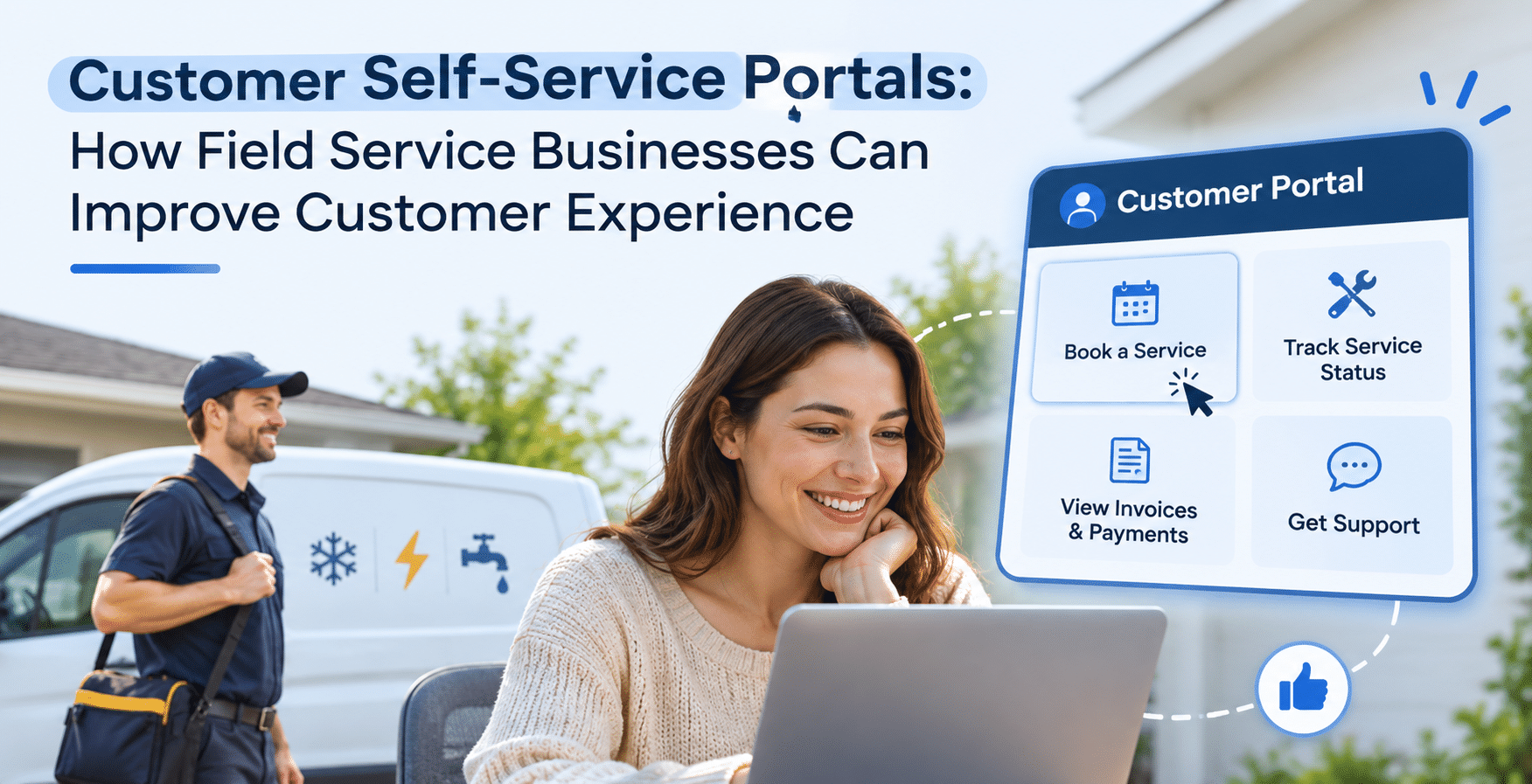
Customer expectations have changed across every service industry. People now expect clear information, quick responses, and easy access to their own records. When they have to phone an office to confirm a visit date or check an invoice balance, the experience feels slower than it should.
Field service businesses face this pressure every day. Technicians spend most of their time on job sites, while office teams manage scheduling, billing, and follow-ups. Routine customer enquiries compete with that work for attention.
A customer self-service portal offers a practical answer. It gives customers direct access to their service information, and it frees staff to focus on work that needs a personal touch.
This post explains what a portal does, what customers can do inside one, and how it supports a stronger service experience.
Understanding Customer Self-Service Portals
A customer self-service portal is a secure login where customers can see their own service information. They do not need to phone or email your office first.
In Field Force Tracker, each customer gets a login of their own. Once inside, customers can:
- Check past jobs
- View invoices
- Download paperwork
- Pay outstanding amounts
The questions that come up most often get answered without anyone picking up the phone.
The Case for Self-Service in Field Service
Customers have high expectations. They want fast, appropriate, and accurate information, and they want it when they need it, not only when your office is open and free to talk.
A portal meets that need in a simple way. The information is always there. This improves customer satisfaction and strengthens loyalty.
Satisfaction also ties directly to repeat business. Happy customers are more likely to stay with you, and service quality can be the deciding factor in whether they do.
Key Portal Features and Customer Benefits
Here is each function and why it matters.
1. Access to Job History
Customers often forget what was done and when. A job history gives them a clear record. They can look back instead of calling to ask.
2. Invoices and Service Documents
Invoices and job documents are some of the most requested items in any service office. When customers can open and download them directly, your staff no longer send the same files again and again.
3. Online Payment of Outstanding Balances
Payment is where self-service helps both sides. The customer settles a balance when it suits them, and your team spends less time on reminders.
Field Force Tracker also supports other ways to get paid:
- Card payments collected in the field
- Payment links sent by email
- Automatic billing for regular customers
Together, these help you get paid faster and chase less.
4. Operational Benefits for the Front Office
A portal does not only help customers. It saves the front office a lot of time. Staff spend less of the day answering the same questions over the phone.
That time can go elsewhere. Your office can focus on scheduling, dispatching, and talking with customers who need a real conversation. Simple lookups move to the portal, and the phone is left for the harder calls.
Building a Reliable Data Foundation
A portal is only as good as the data behind it. If records are messy, customers see messy information. A portal works best when it sits on top of a system that already keeps good records.
Customer management in Field Force Tracker is built for this. All customer information lives in one place. Staff can look up any client, see what work was done in the past, update contact details, and add notes to the account.
Other parts of the system feed useful information too:
- Invoicing and quotes: Create a quote or invoice in a few minutes and send it straight to the customer. Invoicing accuracy improves because everything is handled in one system.
- Contracts and warranties: Service contracts and warranty records are stored against the right customer. When a job comes in, the team can see straight away what the customer is covered for.
- Service plans: Maintenance agreements, renewals and scheduled visits are managed inside the system. Contract renewals can be automated.
- Accounting links: Field Force Tracker connects with QuickBooks, Xero and Sage, and offers an open API for other software.
When these pieces work together, the figures a customer sees in the portal match what your team sees in the office.
Connecting Self-Service With Field Operations
A portal is one part of the customer experience. The visit itself matters just as much.
Technicians can reach customer information, repair histories, parts availability, and technical product specifications anytime, from anywhere. With that in hand, they arrive better prepared and can complete the work on the first visit. That saves both the service company and the customer money and time.
Preventive maintenance plays a part as well. A full customer repository makes it easier to track problems and spot some of them before they happen. That can reduce the need for another service call.
Technicians also get a document library on their phones. Product manuals, service guides, and job reference documents can be uploaded for them to open on site, so they do not have to call the office.
FAQs (Frequently Asked Questions)
1. What can customers see in the Field Force Tracker portal?
Customers can check past jobs, view invoices, download paperwork, and pay outstanding amounts through their own login.
2. Does a portal reduce phone calls?
Yes, it saves front office staff a lot of time that would otherwise go to answering the same questions by phone.
3. Can customers pay through the portal?
Yes, customers can pay outstanding amounts there. Businesses can also collect card payments in the field, send payment links by email, or set up automatic billing for regular customers.
4. Which services can businesses use this software?
Field Force Tracker supports many trades. These include HVAC, plumbing, electrical, security and fire alarms, elevator and lift repair, copiers and office equipment, medical equipment, fitness equipment, telecom, and industrial equipment repair.
5. How long has Field Force Tracker been around?
It has been in business for over 17 years. Service businesses in more than 30 countries use the software.
6. Is there help for getting started?
Yes, support includes personalized onboarding, data migration help, and unlimited online support for the life of a subscription.
Summary
Customers want quick, accurate answers, and service businesses need to protect their staff’s time. A self-service portal handles both.
Here is what to remember:
- A portal gives customers their own logic to check past jobs, view invoices, download paperwork, and pay balances.
- It saves front office time by cutting down repeat phone questions,
- It works best on top of solid customer records, contracts, invoicing, and accounting links.
- It sits alongside field tools that help technicians arrive prepared and finish the work in one visit.
Field Force Tracker includes a customer portal as part of its all-in-one field service software. To see how it would work for your own business, request a free 14-day trial or a demo. The team will walk you through it.
Read More:- How to Choose the Best Field Service Software for Your Business in 2027